Quick Support
@imidc_support_bot
English
English
Русский
Español
日本語
简体中文
繁體中文
Client Area
Sign up
Home
Cloud Servers
HongKong Cloud
Excellent access speed both domestically and internationally
Japan-Cloud
Japan native IP address, top-notch speed; suited to deploying AI apps and calling major AI platform APIs.
Korea Cloud
Korea native IP address, top-notch speed; suited to deploying AI apps and calling major AI platform APIs.
TaiWan Cloud
Native Taiwan IP address, top-notch speed, unlock access to the applications you want.
Russia-Cloud-CN2
The CN2 network access to China with top-notch speeds and unlocks Russian applications.
South Africa Cloud
Optimized network with top-notch speed; works with streaming services and suits AI app deployment.
Servers
HONGKONG DEDI SERVERS
Excellent speed, stable performance, and low price.
TAIWAN DEDI SERVERS
Excellent speed, stable performance, and low price.
JAPAN DEDI SERVERS
Tokyo's top-tier data center, offering high-speed global access.
Korea DEDI SERVERS
Seoul's top-tier data center, offering high-speed global access.
Russia Dedicated Server
Moscow's top-tier data center, offering high-speed global access. CN2 direct connection to China.
USA DEDI SERVERS
California's top-tier data center, with a high-speed CN2 network directly connected to China.
Solutions
Data Center Facilities
Enterprise-grade data center infrastructure services
Server & Cloud Migration
Seamlessly migrate your servers and cloud infrastructure
Remote Hands Service
Professional on-site technical support services
IP & ASN Leasing
Native, residential & datacenter IPs and ASN leasing
BGP & Anycast
Highly available network routing solutions
CDN Acceleration
Global content delivery acceleration services
About
About Us
Services, global data centers and why customers choose us
Company Profile
Rainbow Network Limited: credentials, vision and RIR memberships
Data Centers
Our data center locations and facilities
Help Center
Step-by-step tutorials for servers, network and IP
Terms of Service
Service terms, billing rules and account responsibilities
Contact Channels
Ways to contact and get support
0
Cart
--
Shopping Cart
Your Shopping Cart is Empty
Home
IMIDC Help Center
Virtualization & Host Nodes Tutorials
Service Guides
Virtualization & Host Nodes Tutorials
Turn a dedicated server into a host node: Proxmox VE install, KVM VMs and IP assignment.
Search Tutorials
Search
Categories
All Tutorials
173
Getting Started
11
Linux Server
18
Windows Server
9
Network & IP
27
aaPanel / BaoTa
6
Site Clusters & Multi-IP
3
Virtualization & Host Nodes
5
IP & ASN
8
Account & Support
3
Why IMIDC
10
Data Centers
22
Going Global by Region
22
Industry Insights
17
Use Cases & Solutions
12
Popular Tutorials
1
How to Enable BBR on Linux: Turn On TCP BBR Congestion Control Manually
2
How to Install aaPanel / BaoTa Panel on a Linux Server: One-Click Install, Open Ports and Log In
3
Windows Remote Desktop Connection Failed: Troubleshooting RDP Port 3389, Firewall and CredSSP Errors
4
Linux SSH Connection Failed? Troubleshooting Connection Refused, Timeouts and Login Errors
5
Linux Disk Full? How to Check and Free Up Disk Space and Find Large Files
Virtualization & Host Nodes Tutorials
Virtualization & Host Nodes
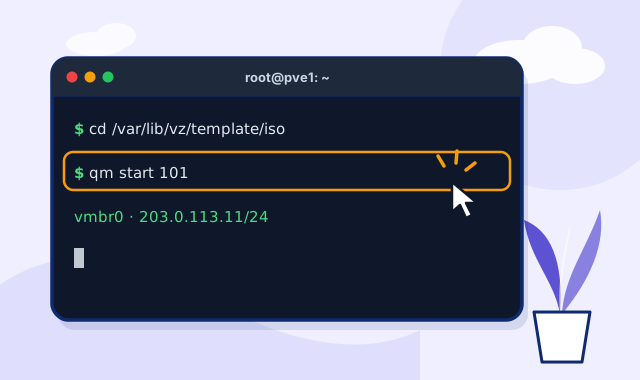
How to Install Proxmox VE (PVE) on a Dedicated Server: Debian 12, PVE 8 and vmbr0 Bridge
Install Proxmox VE 8 on a Debian 12 dedicated server, set up the vmbr0 bridge and log in to the web UI on port 8006.
7 steps
12 min read
Read tutorial
Virtualization & Host Nodes
Create a KVM VM in Proxmox VE and Assign a Dedicated Public IP: Images, Bridging and VPS Setup
Upload ISO or cloud images to Proxmox VE, create a KVM VM, bridge it via vmbr0 and assign a dedicated IP from a /24.
5 steps
12 min read
Read tutorial
Virtualization & Host Nodes
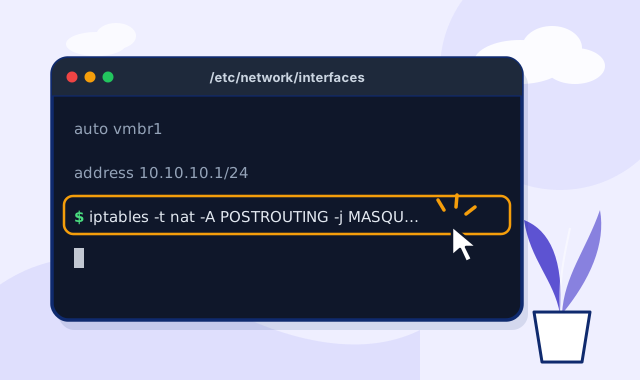
Proxmox VE NAT Network Setup: vmbr1 Private Subnet, iptables MASQUERADE and Port Forwarding
Proxmox VE NAT network: vmbr1 private subnet, iptables MASQUERADE for VMs without public IPs, DNAT port forwarding.
6 steps
15 min read
Read tutorial
Virtualization & Host Nodes
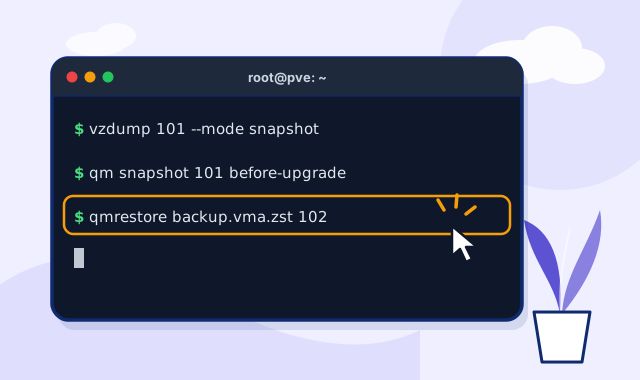
Proxmox VE Backup and Snapshot Guide: vzdump, Scheduled Backup Jobs and qmrestore
Proxmox VE backup guide: vzdump modes, scheduled backup jobs, qmrestore, snapshots vs backups and storage planning.
6 steps
15 min read
Read tutorial
Virtualization & Host Nodes
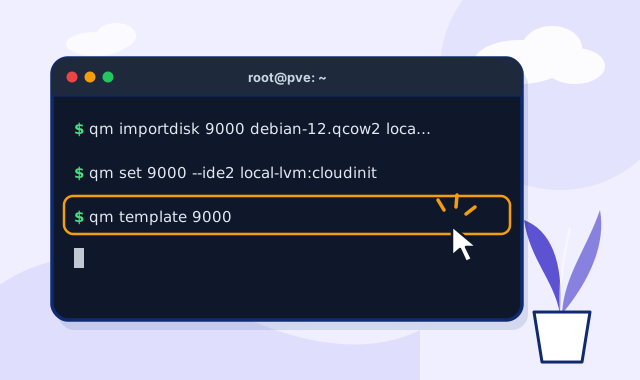
Create a Cloud-Init Template in Proxmox VE: Import Debian/Ubuntu Cloud Images and Clone VPS Fast
Build a Proxmox VE cloud-init template from Debian/Ubuntu cloud images, set IP and SSH keys, and clone VPS in seconds.
5 steps
14 min read
Read tutorial
No tutorials yet
Still need help?
Open a ticket and IMIDC 24/7 support will take care of it.
Open a Ticket
×
Close
Loading...
Generate Password
×
Please enter a number between 8 and 64 for the password length
Password Length
Generated Password
Generate new password
Copy